



Text to Image AI Generator
Transform a single line of text into a visual masterpiece instantly.
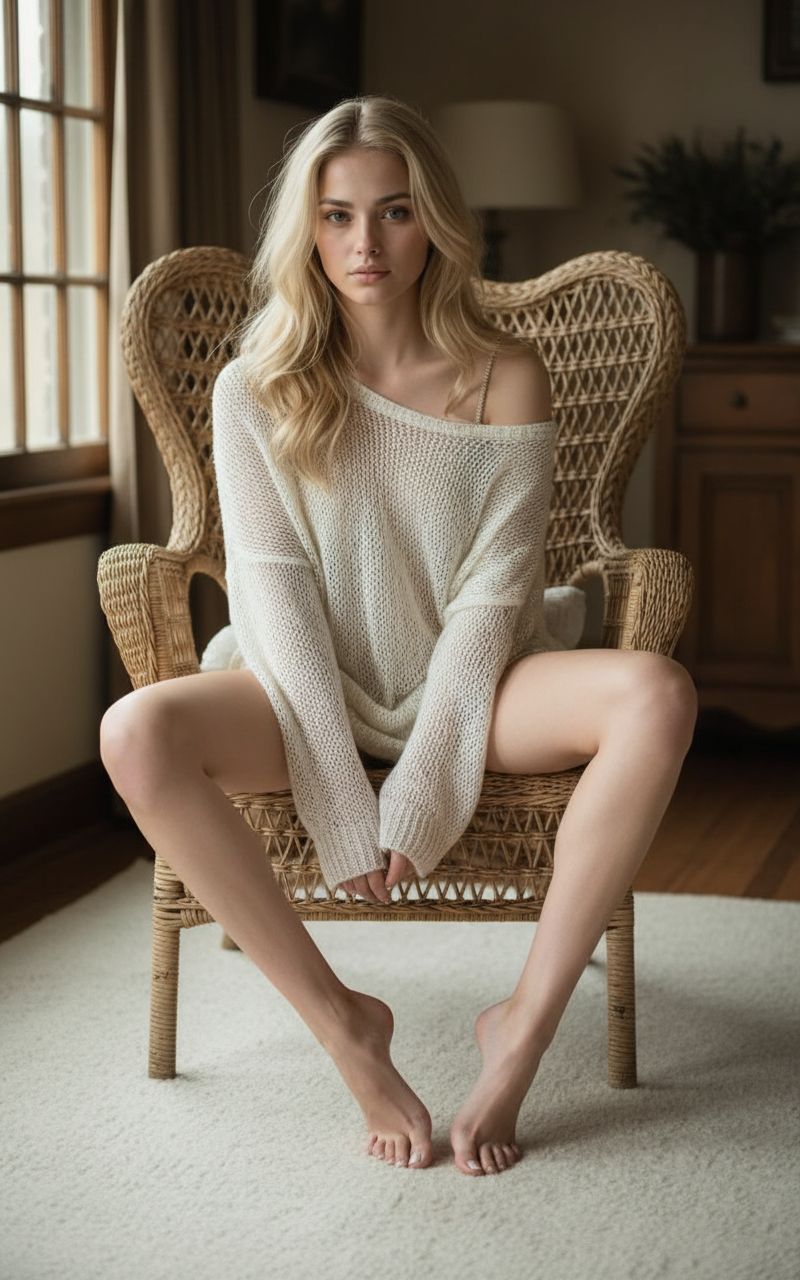
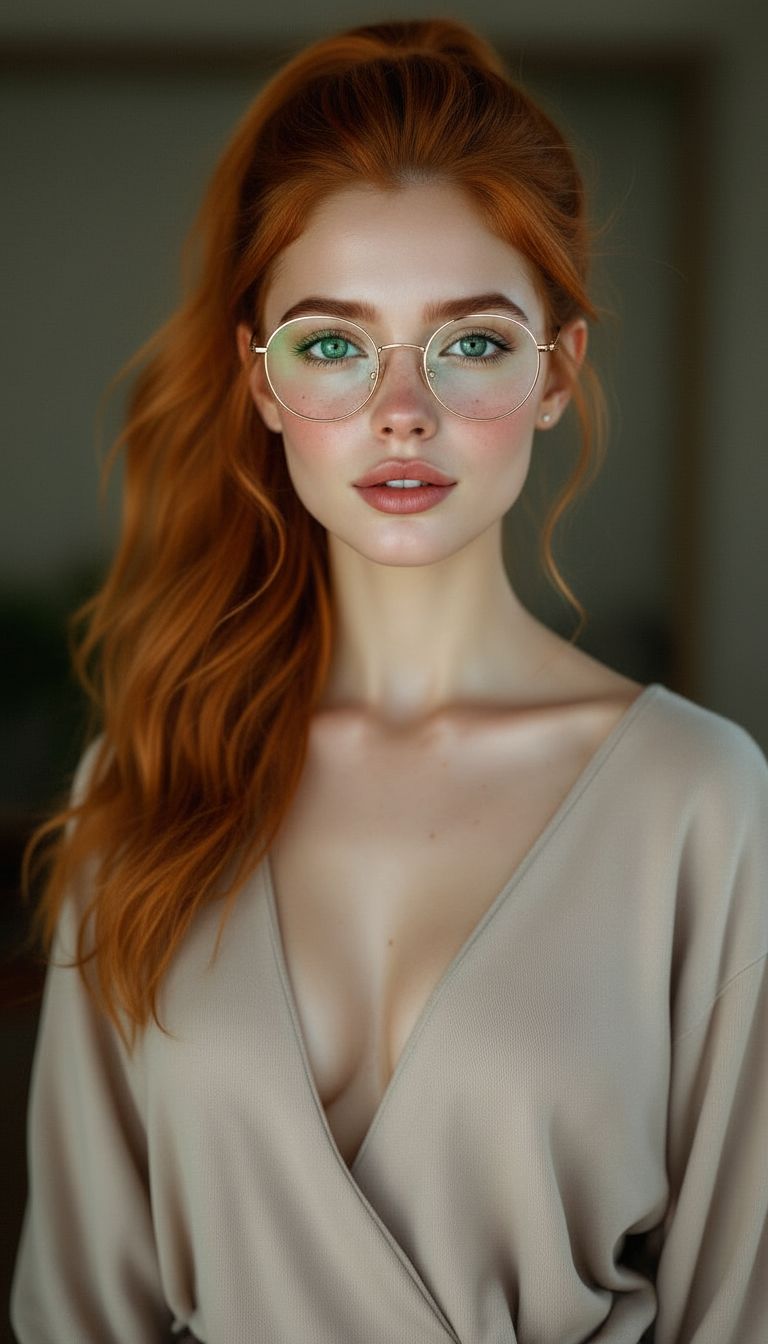
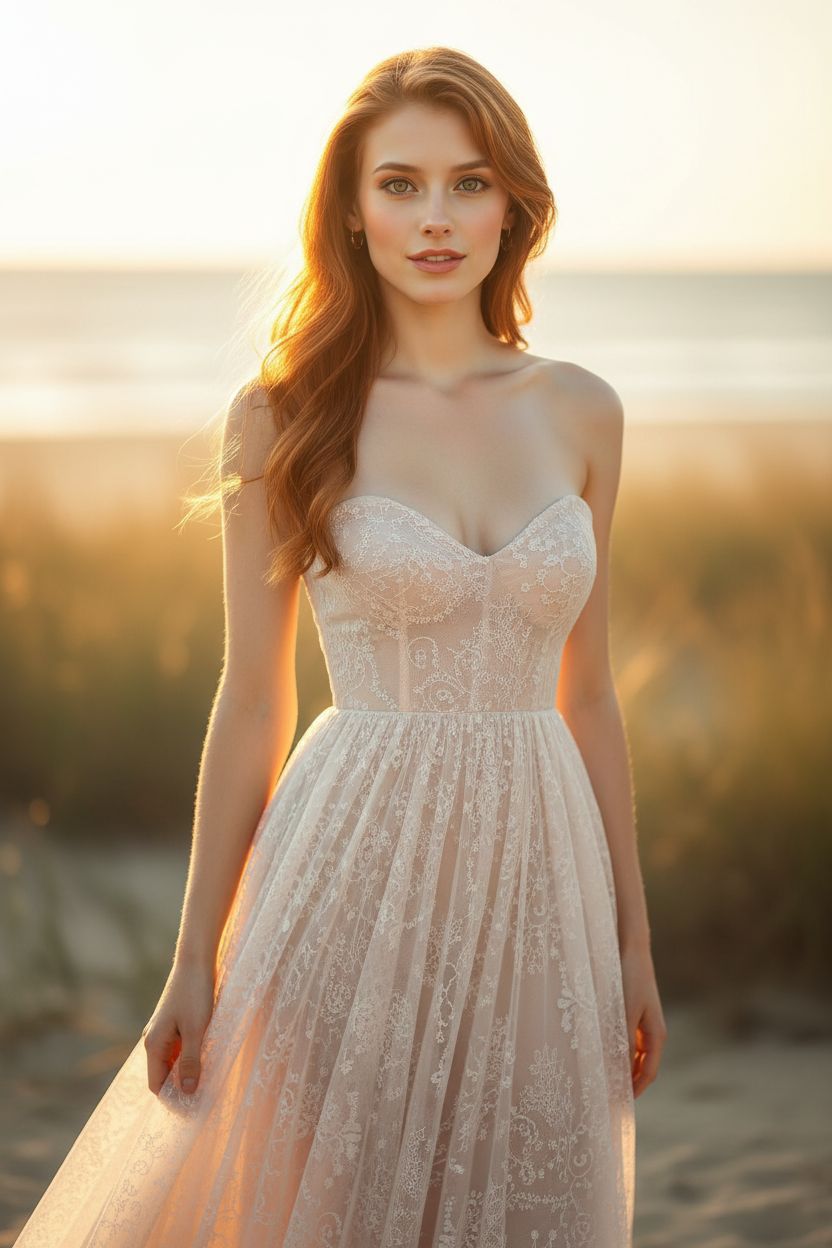
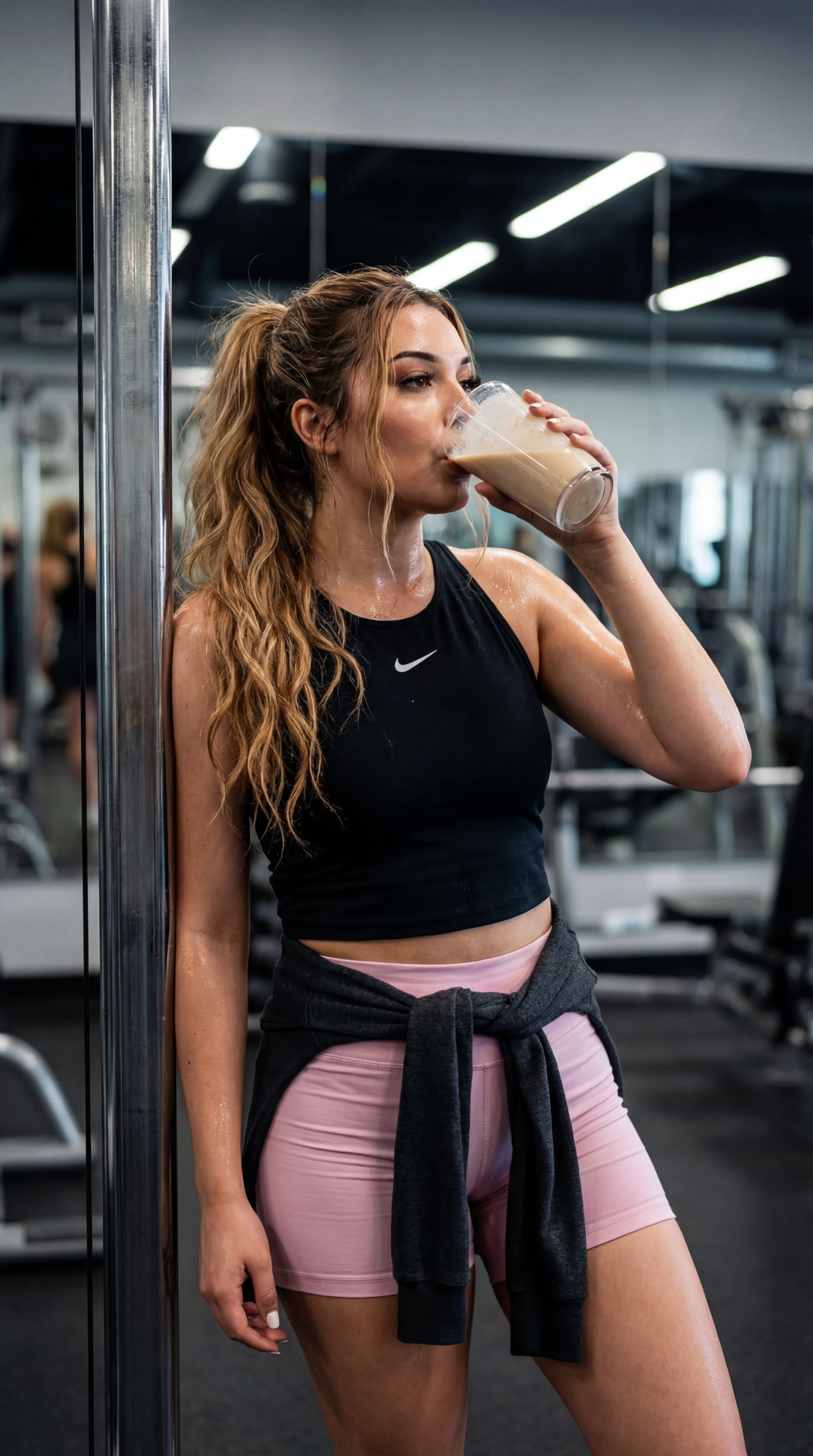
How to Write Effective Text-to-Image Prompts
Master these techniques to get stunning results from any AI image generator.
Start with the Subject
Clearly describe the main subject of your image. Be specific about what you want to see.
"A golden retriever puppy sitting in a meadow"
Add Style & Medium
Specify the artistic style or medium you want. This dramatically changes the output.
"oil painting style, photorealistic, watercolor illustration, 3D render"
Describe the Lighting
Lighting sets the mood and atmosphere. Mention the type and direction of light.
"golden hour lighting, dramatic side lighting, soft diffused studio light"
Include Composition Details
Guide the framing and perspective to get the exact shot you envision.
"close-up portrait, wide-angle aerial view, centered symmetrical composition"
Specify Quality Keywords
Add quality modifiers to push the output toward higher fidelity and detail.
"ultra-detailed 8k, sharp focus, professional photography, masterpiece"
Set the Mood & Color
Describe the emotional tone and color palette to unify the images feel.
"warm autumn colors, moody and cinematic, vibrant neon cyberpunk palette"