



Motion Mimic AI Generator
Break through dimensional limits and replicate every high-difficulty motion with precision.


Achieving High-Precision Motion Mimicry
Ensure natural motion transfer through proper asset selection and prompt optimization.
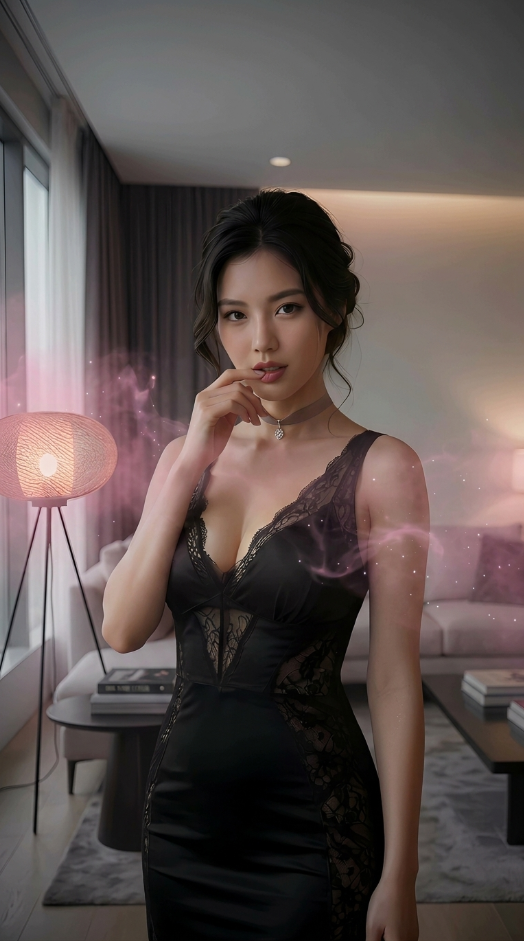
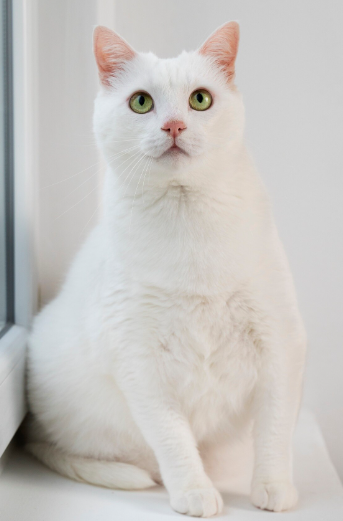
Use Clear Full-Body Base Images
Characters should ideally be fully visible with no limb obstruction to help AI establish accurate skeletal mapping.
"Front-facing characters with clean backgrounds."
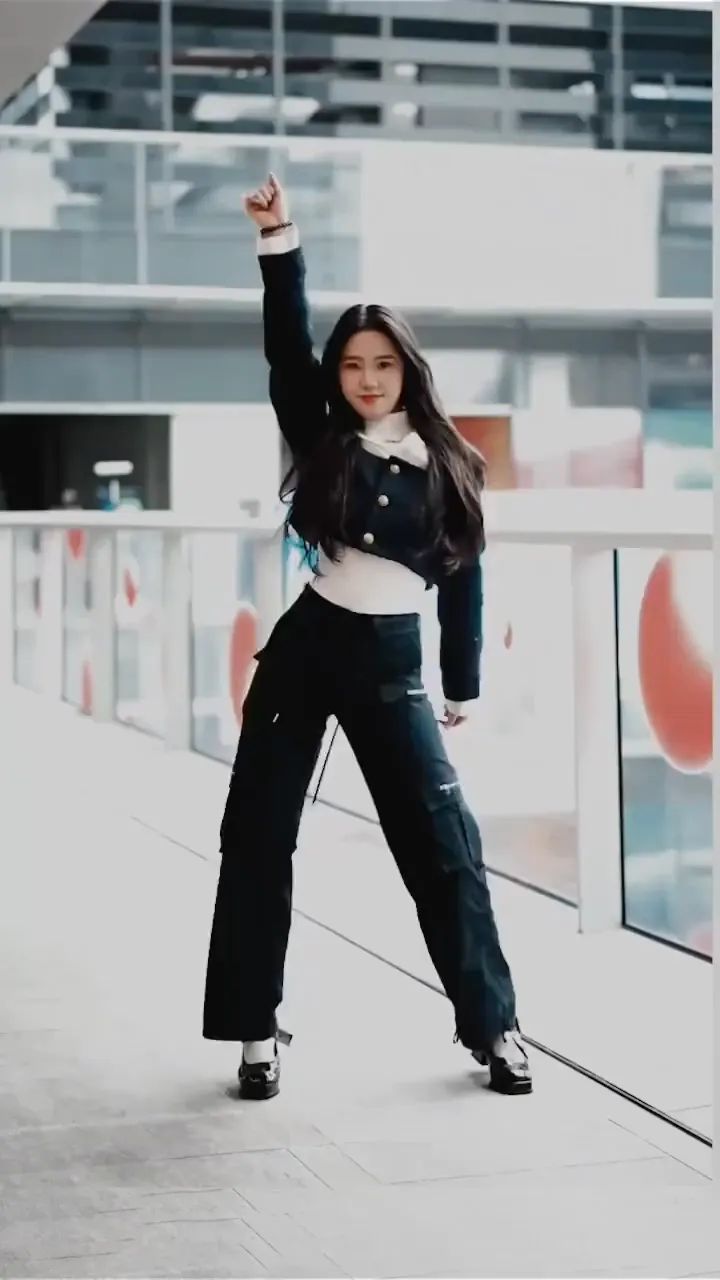
Motion Continuity in Reference Video
The subject's movement should be clear and continuous. Avoid rapid cuts or excessive special effects.
"Single-person videos with simple backgrounds yield best results."
Add Physical Compensation Descriptions
Incorporate descriptions of clothing or hair dynamics to enhance realism.
"'Cloak billowing in the wind' or 'hair trailing during the spin'."
Control Motion Intensity
If motions are too extreme, emphasize 'maintaining body proportions' or 'stable facial details' in your prompt.
"'Ensure facial features remain consistent during large movements'."
Utilize Background Anchoring
Describe the background to prevent it from warping with the subject's movement.
"'The character mimics moves on a static stage with the background remaining perfectly still'."